When you shop in my online store, you have a choice at check-out. You can check out as a guest, which means none of your information will be saved by the store, or you can create an account.
The advantage of creating an account is that your information is saved and you don’t have to type it in each time. You also can check your previous orders and leave reviews on products you’ve purchased.
Let’s have a look at how to do that. First, you’ll need to create an account.
When you proceed to check-out, you’ll see this:

You’ll need to enter an email address – if you’re buying ebooks, BookFunnel will deliver the download codes to that address.
Then select the first box to create an account. Nothing else needs to be done until you complete your purchase. The store will remember this sale is associated with this email. It’s your first purchase.
After your transaction is completed, you can choose the little person from the top right menu. This doesn’t always show on the landing page – it’s affected by the screen size apparently – but choose Cart and you’ll see it. I’ve circled it in pink here.

When you click on that, your account will be shown. Here’s the first screen you’ll get. You can see that the store has remembered me.

Check your email. The message will be from H&H and have the subject line: Your Hazel & Honeysuckle Press account has been created. It looks like this. See? It gave me a user name, too.
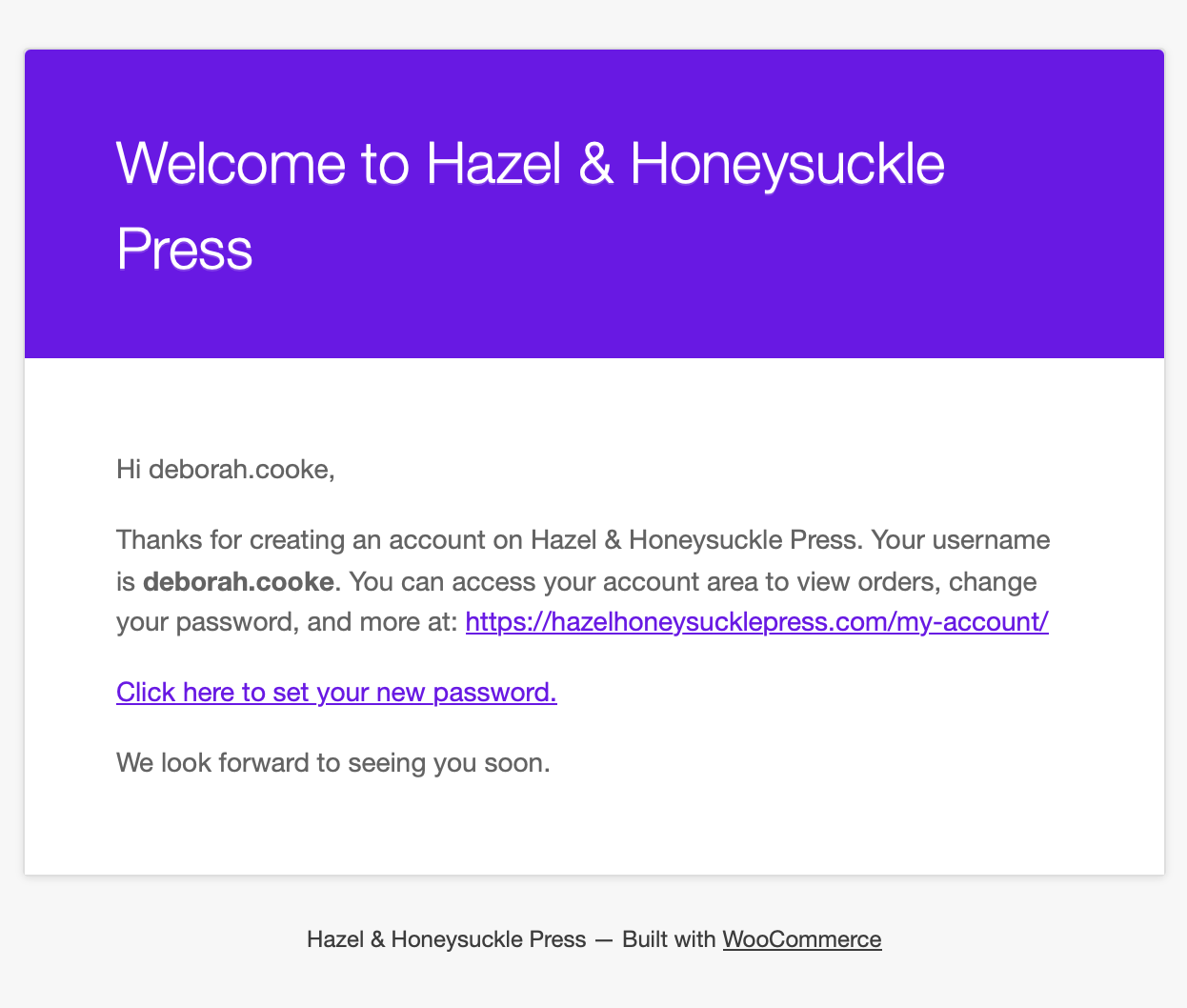
Click the link to return to the store and change your password. Now you have access to all of the account features in the store. 🙂
Let’s leave a review.
Go to the product you purchased and scroll down. You can locate it again in the store, or get to it from your previous orders. Below the book cover, there’s a tab for reviews beside the one with the longer description. Click it and a window appears to add your review.
You have to be logged in for this to appear, and you have to have bought this exact product. All reviews are for verified purchases.
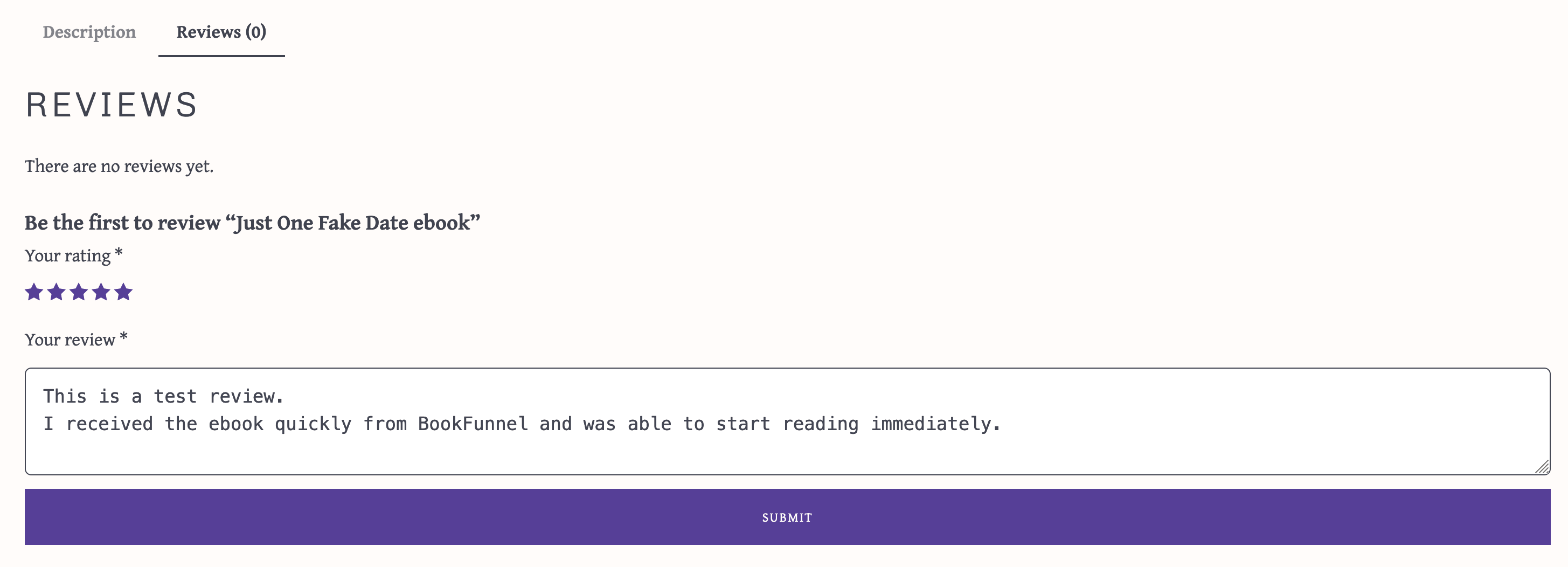
Choose a number of stars, type your review and click the Submit button.
Right now, the reviews have to be approved by me. I’ll probably leave it that way, not so I only allow good reviews but to block spammers and bots. So, you’ll see this little note above your review:

Once I approve the review (I get an email that there’s one waiting), it goes public in the store and looks like this:

Notice that the store has posted my name. It got this from my account information, so be aware that that will be displayed.
And there – it’s done! I’m going to leave this one review in place, as another reminder for people to look for that BookFunnel email with the download codes.


 Deborah Cooke: Author